01 · Systems
Connect what you already run.
Warehouses, databases, CRMs, and file stores connect as they are. Keys go in once, never shown again. No API? Show Scan the task once, and an agent repeats it in a real browser.


The data and agent platform for regulated work
NSTACK builds one model of your business from the systems you already run, then puts agents to work on it. You set the limits. Every run shows what it was worth.
Live todayAn SEC-registered investment adviser runs NSTACK on its own private instance.
Works with your data and your agents' tools
01·The gap
Customers live in the CRM. Transactions in the core system, history in the warehouse, the rules in a few people's heads. Point a language model at that and you get a clever paragraph. You need work you can approve, repeat, and measure.
02·The three layers
Your systems stay put.
01 · Systems
Warehouses, databases, CRMs, and file stores connect as they are. Keys go in once, never shown again. No API? Show Scan the task once, and an agent repeats it in a real browser.
02 · Model
Map each source to the things your business runs on: customers, accounts, orders, claims. People and agents ask in those terms and get the same answer. Swap the CRM? Map the new one once. Everything built on top keeps working.
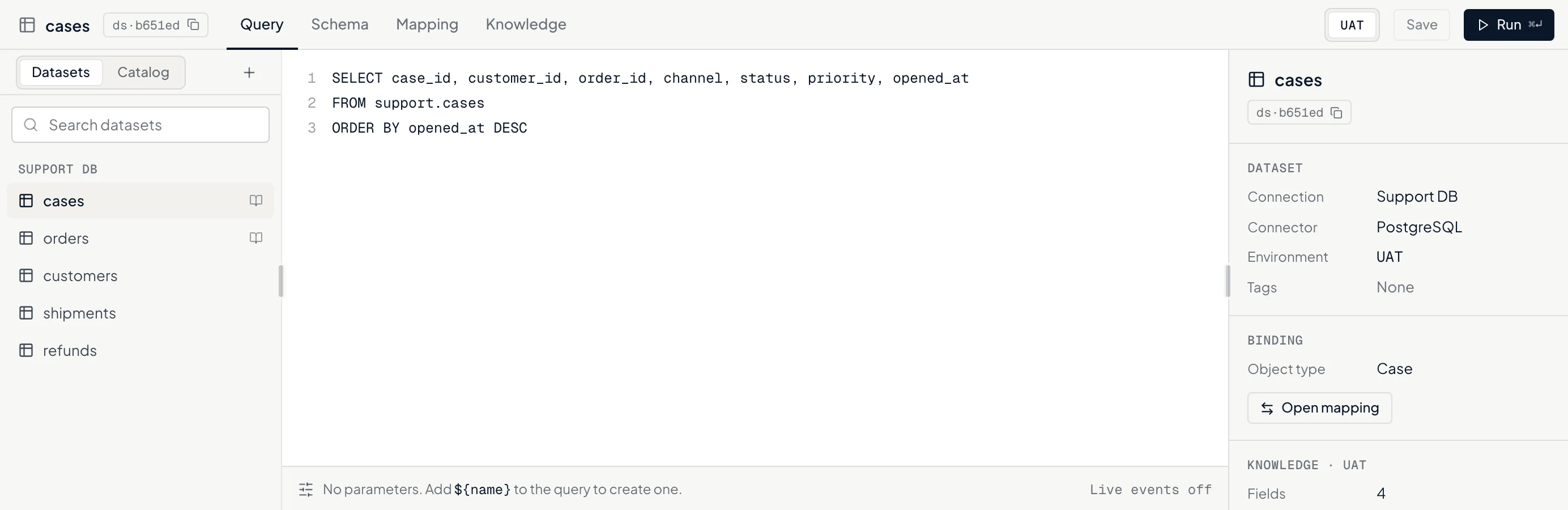
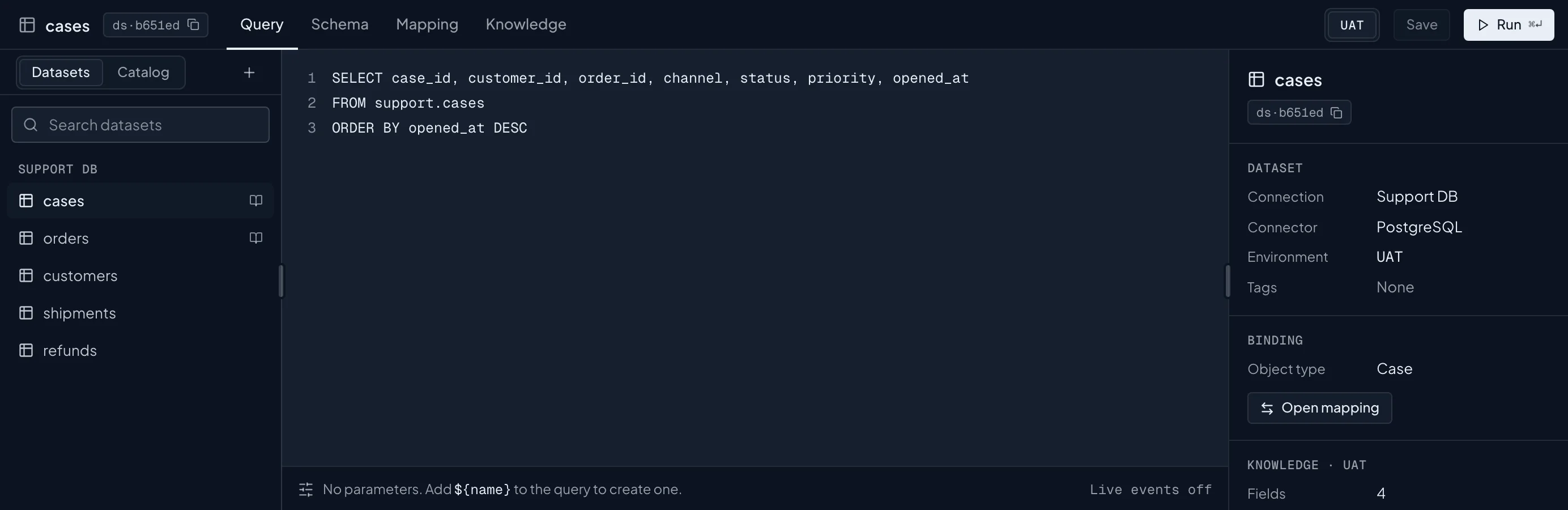
Where your teams work
03 · Experience
Ask in plain words. The answer comes back as a live view: the chart, the records behind it, and a drafted next step waiting for your approval. This is the layer your teams will judge us by.
How it works
Watch a job run, from the first system it reads to the person who signs off. Add a hiccup. Watch it recover.
Play it through03·The platform
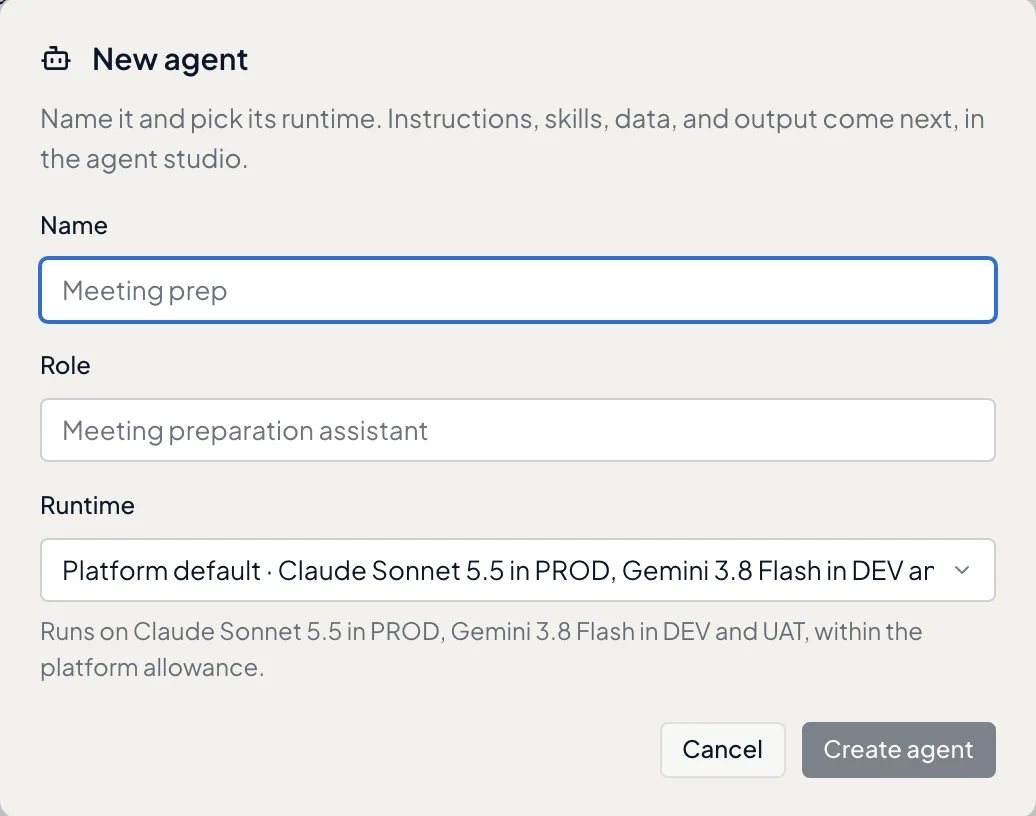
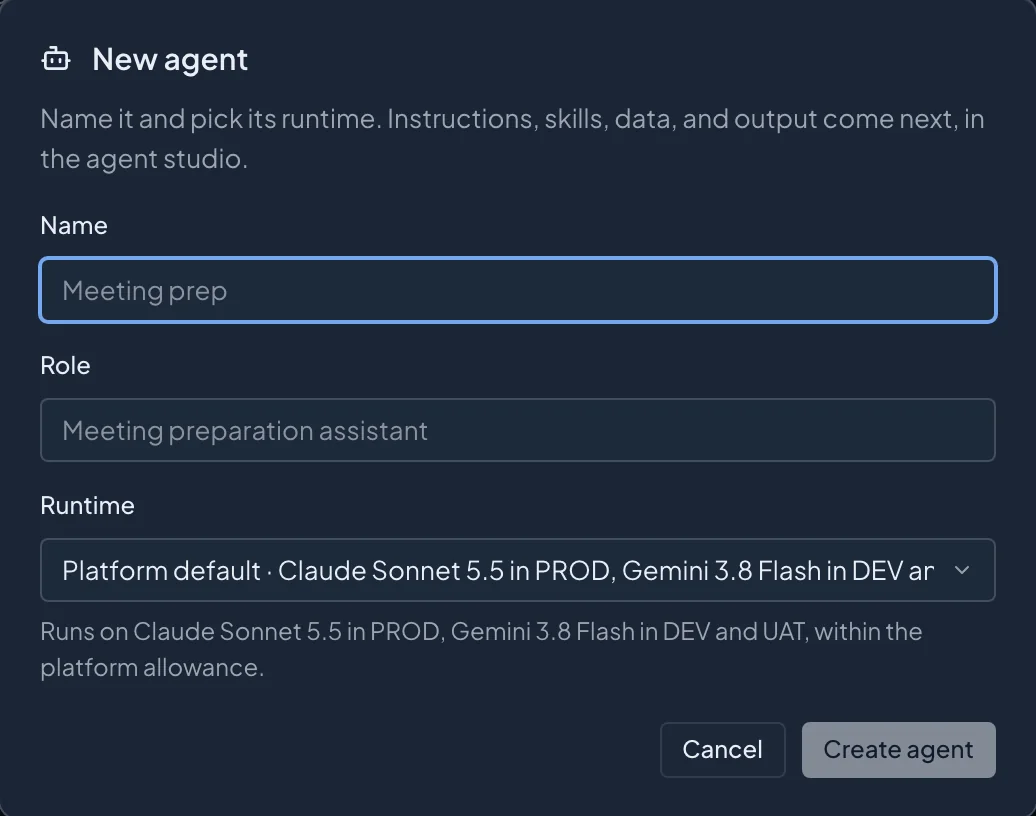
Studio is where systems, data, and agents meet. Agentic apps put that work in front of each team. Scan covers what still lives on screens.
Connect each system once, model the business, build the agents that use it. Every run goes on the record.
Explore Studio Agentic appsDashboards you can talk to. Operations that ask before they act. Shaped around one team's work, built with you.
Explore agentic apps ScanShow it a task once. An agent repeats it in a real browser.
Explore ScanInside Studio
04·Industries
An adviser prepping Thursday's review and an adjuster opening a claim need different screens. Underneath, they share everything.
Meeting prep, client reviews, and account screening. The advisor signs off on every change.
Explore wealth managementEvery new payee checked. Every release signed.
Claims opened from the first notice, coverage drafted for the adjuster.
Sellers verified before they go live. Refunds inside your policy.
Reconciliation breaks explained, with the fix waiting for approval.
Answers drafted from your knowledge base, each with its source.
Invoices matched to order and receipt, released on approval.
Purchases for a verified customer, inside the limit they set.
Bring one workflow. We map it with you.
Talk to us05·On the record
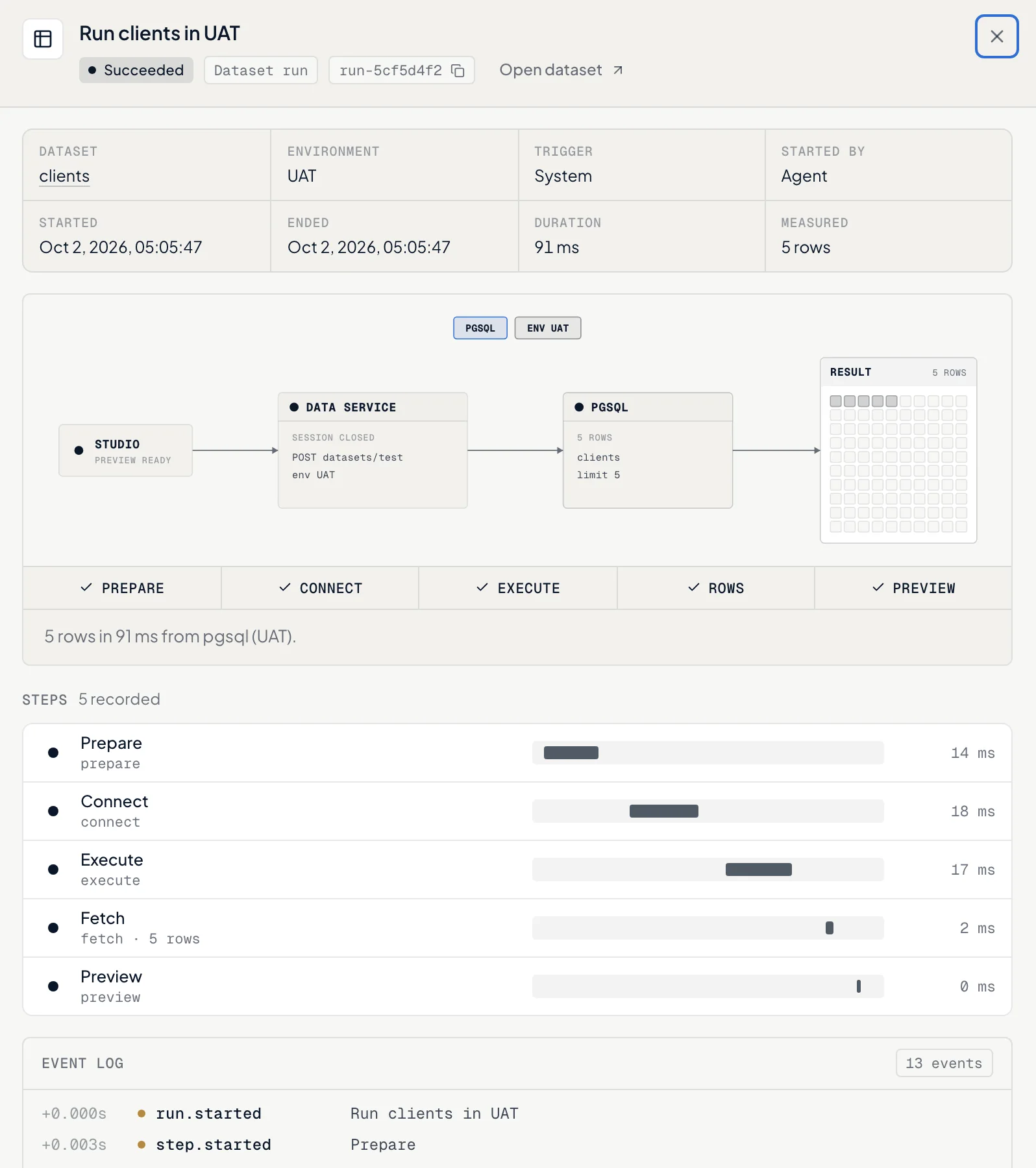
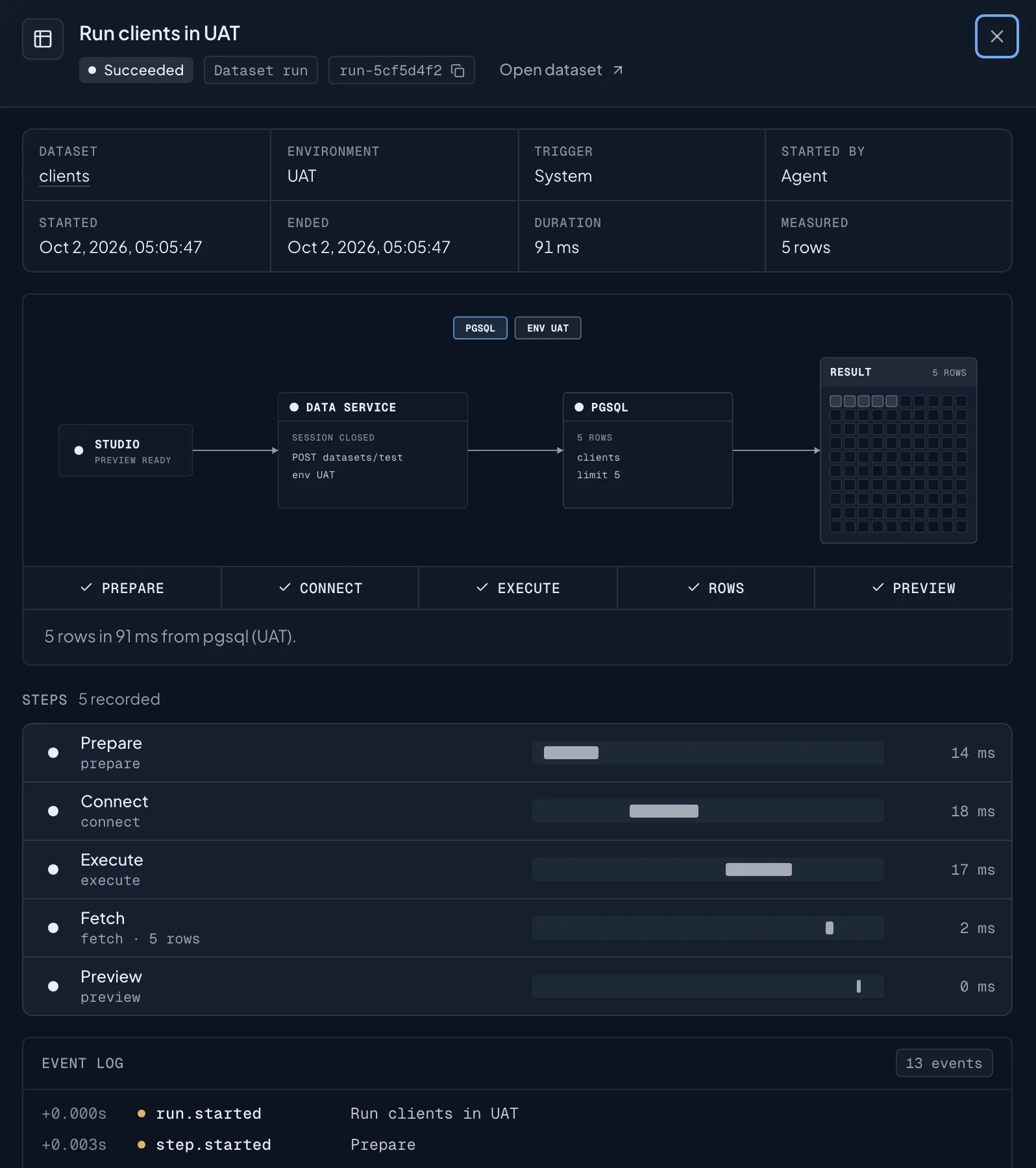
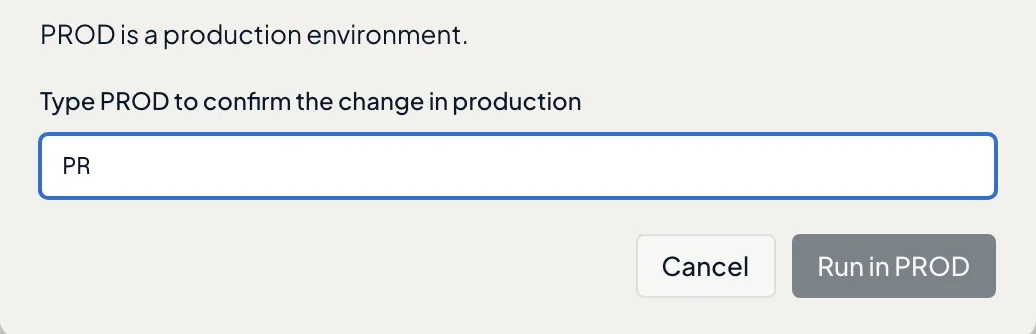
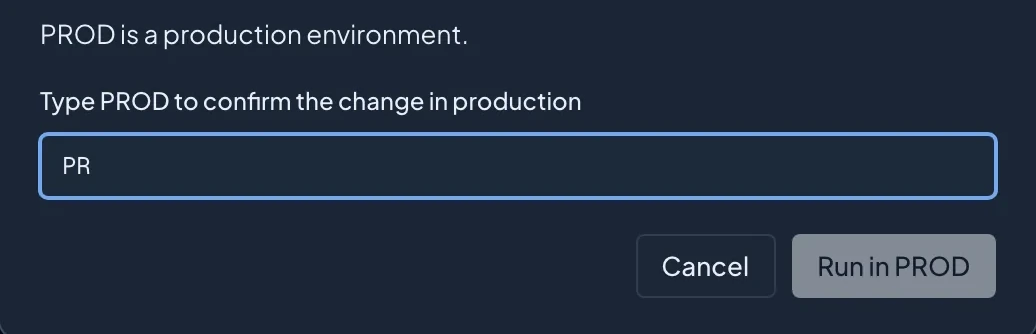
Systems time out. People step away. Runs survive both, and every step goes on the record with its timing and cost.
06·Trust
Your risk team will ask about these six first. Each works exactly as written here.
Security in detail07·Getting started
Our engineers sit with the people who do the work: connect the first systems, build the first workflow, stay until its value is measured. Then it is yours.
How an engagement worksFor developers and agents
Your systems start runs with a token and read every run back. In preview, AI assistants call your agents as tools over MCP.
Open the developer center# Every step of a run, in order
RUN="$NSTACK_BASE/core/api/v1/organizations/$NSTACK_ORG/runs/$RUN_ID"
curl -s "$RUN/events" \
-H "Authorization: Bearer $NSTACK_TOKEN"# Your agents, listed as tools for an AI assistant
MCP="$NSTACK_BASE/agents/api/v1/organizations/$NSTACK_ORG/mcp-configs/$CONFIG_ID/mcp"
curl -s "$MCP" -H "Authorization: Bearer $MCP_API_KEY" \
-H "Content-Type: application/json" \
-d '{"jsonrpc": "2.0", "id": 1, "method": "tools/list"}'Bring one workflow that matters. We show you all three layers working on it.