Scan
Automate the work that still lives on screens.
Plenty of work still runs through a portal or a back office screen, one click at a time, by someone who has better things to do. Record it once. An agent repeats it in a real browser, timed on every run.
01·Record
Show Scan the task once.
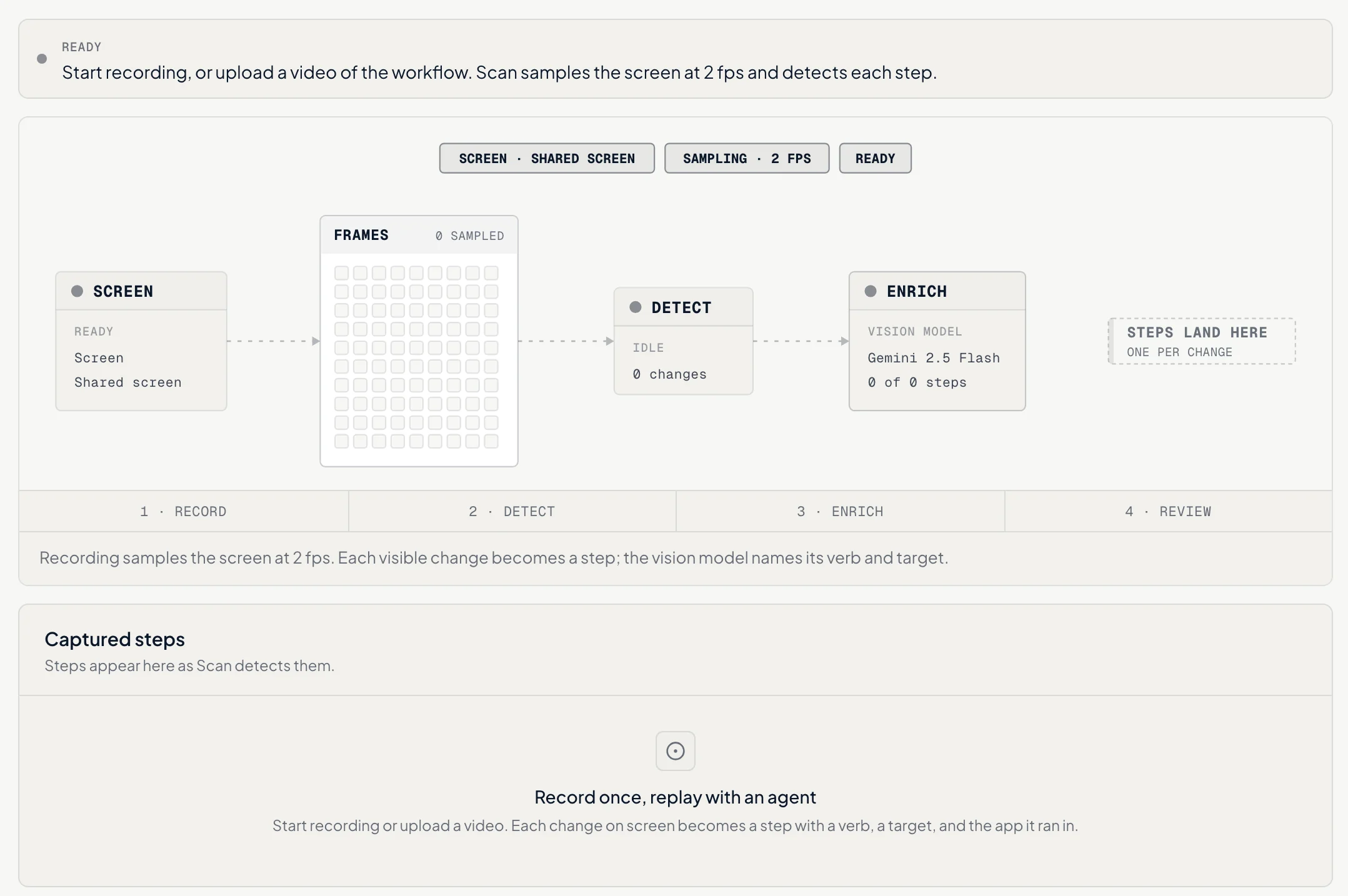
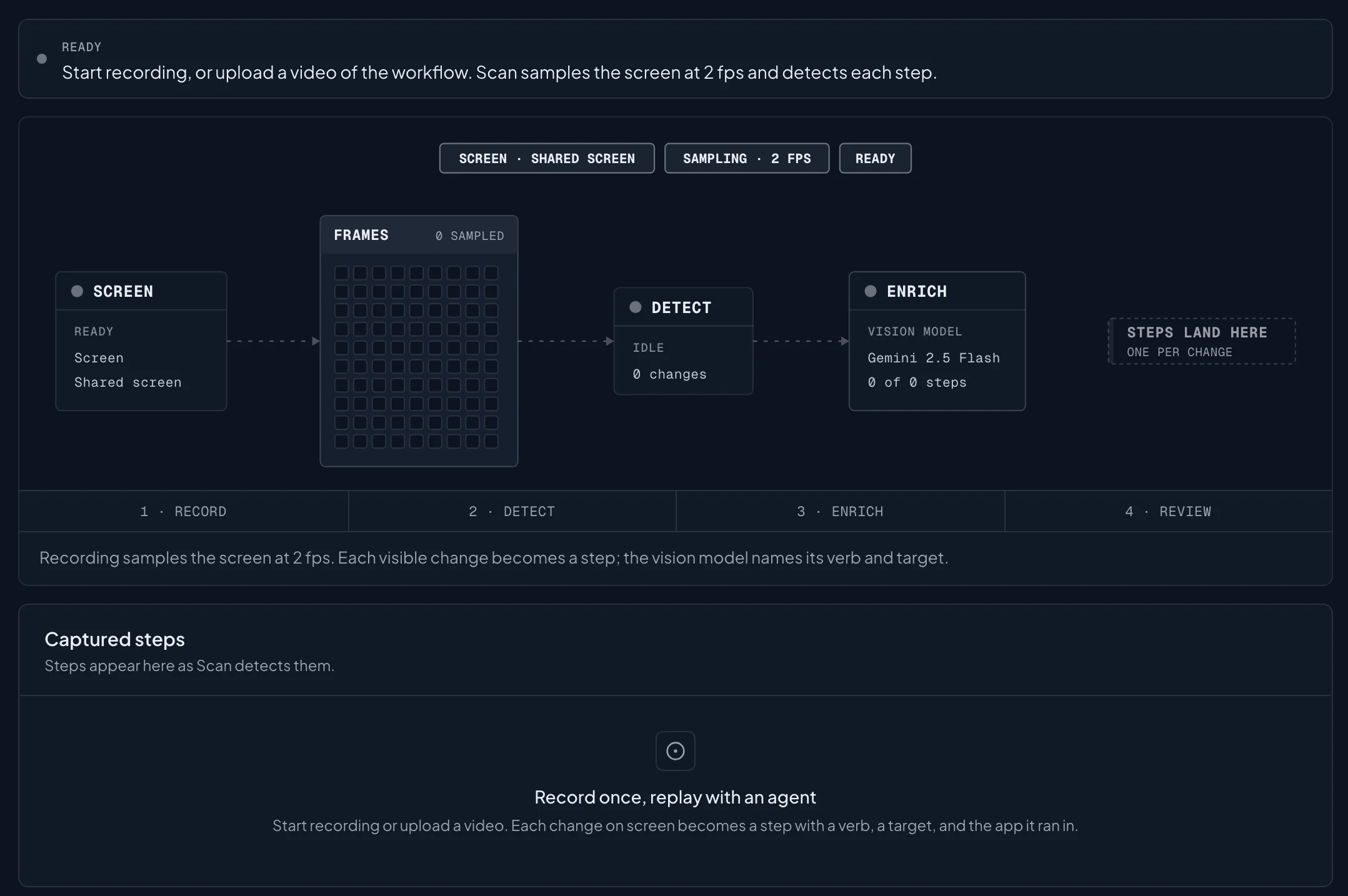
Record your screen or upload a video. Scan turns each visible change into a step, labels what was done and to what, and flags every step that changes something.
02·Run
An agent repeats it in a real browser.
Five routines ship with Scan today. Your team records the rest.
03·Control
It asks before it writes. Every run is measured.
In Safe mode the agent stops and asks. Any step that writes waits for a person, and every run records how long each step took and whether the result checked out.


04·Publish
Publish a routine to Studio as a tool.
Publish it once and grant it to the agents that should use it. Calling it from inside an agent's run is in design, and this page will say so until it ships.
Bring one workflow. Watch an agent run it.
We record it with your team and replay it in staging. You'll see every run timed next to the way it's done by hand.